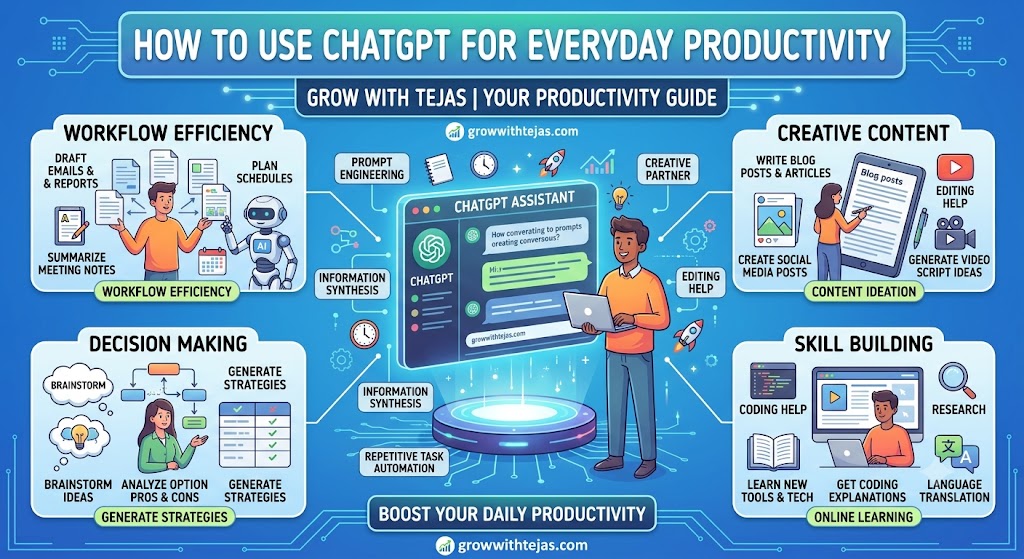
How to Use ChatGPT for Everyday Productivity
Artificial Intelligence (AI) is changing the way people work, study, and manage daily life. One of the most powerful AI tools available today is ChatGPT. Whether you’re a student, professional, entrepreneur, or freelancer, ChatGPT can help you complete tasks faster and work more efficiently.
In this guide from Grow With Tejas, you’ll learn practical ways to use ChatGPT every day to boost productivity, improve creativity, and save valuable time.
What Is ChatGPT?
ChatGPT is an AI-powered conversational assistant developed by OpenAI. It understands natural language and can generate human-like responses to questions and prompts.
You can use ChatGPT to:
- Write emails and documents
- Brainstorm ideas
- Summarize information
- Learn new topics
- Create social media content
- Generate code
- Plan projects
- Translate text
- Organize daily tasks
Why Use ChatGPT for Productivity?
Many repetitive and time-consuming tasks can be completed much faster with AI assistance.
Benefits include:
- Save time
- Improve writing quality
- Generate ideas instantly
- Organize your work
- Reduce repetitive tasks
- Learn new skills quickly
- Increase focus on important work
Everyday Ways to Use ChatGPT
1. Write Professional Emails
Instead of spending 20 minutes writing an email, provide ChatGPT with a few details and ask it to draft a professional message.
Example prompt:
“Write a polite follow-up email to a client after a business meeting.”
2. Plan Your Daily Schedule
Ask ChatGPT to organize your day based on priorities.
Example:
“Create a productive schedule from 8 AM to 6 PM including work, exercise, and learning.”
3. Create To-Do Lists
Convert complex projects into manageable task lists.
Example:
“Break a website launch into weekly tasks.”
4. Brainstorm Business Ideas
Entrepreneurs can use ChatGPT to generate business concepts, marketing strategies, and product ideas.
Example:
“Suggest 20 online business ideas that require low investment.”
5. Improve Your Writing
ChatGPT can:
- Fix grammar
- Rewrite paragraphs
- Simplify complex text
- Create blog outlines
- Improve clarity
6. Learn New Skills Faster
Use ChatGPT as a learning companion.
Examples:
- Learn SEO
- Study programming
- Understand AI concepts
- Improve English writing
- Practice interview questions
7. Generate Content Ideas
Content creators can quickly brainstorm ideas for:
- Blog posts
- YouTube videos
- Instagram captions
- LinkedIn posts
- Facebook updates
- Email newsletters
8. Summarize Long Articles
Paste lengthy text and ask ChatGPT to summarize the key points into easy-to-read bullet lists.
9. Solve Everyday Problems
Examples include:
- Meal planning
- Budgeting tips
- Travel itineraries
- Workout plans
- Study schedules
- Event planning
10. Improve Productivity at Work
Professionals can use ChatGPT to:
- Draft reports
- Prepare meeting agendas
- Create presentations
- Analyze information
- Develop project plans
ChatGPT for Students
Students can use ChatGPT to:
- Explain difficult concepts
- Practice mathematics
- Improve essays
- Create revision notes
- Generate quizzes
- Learn new languages
Remember to use ChatGPT as a learning aid rather than submitting AI-generated work without review, especially where originality is required.
ChatGPT for Small Business Owners
Business owners can use ChatGPT to:
- Write product descriptions
- Create marketing campaigns
- Develop customer support responses
- Draft business proposals
- Generate advertising ideas
- Improve website content
ChatGPT Best Practices
To get better results:
- Give clear instructions.
- Include context and goals.
- Specify the desired format (list, table, email, etc.).
- Ask follow-up questions to refine responses.
- Review facts before using them in important decisions.
Common Mistakes to Avoid
Avoid these mistakes:
- Using vague prompts
- Assuming every response is correct
- Sharing confidential information
- Publishing AI-generated content without editing
- Ignoring fact-checking
Is ChatGPT Free?
ChatGPT offers both free and paid plans. The available features and model access vary depending on your subscription level and may change over time.
Frequently Asked Questions
Can ChatGPT improve productivity?
Yes. ChatGPT can help automate writing, brainstorming, planning, summarizing, and many other everyday tasks, allowing you to focus on higher-value work.
Is ChatGPT suitable for students?
Yes. It can explain concepts, create study plans, summarize lessons, and assist with learning. Students should still complete their own work and verify information.
Can ChatGPT replace Google Search?
Not completely. ChatGPT is excellent for explanations and drafting, while search engines are often better for finding the latest news, official documents, and current information.
Can businesses use ChatGPT?
Yes. Businesses use ChatGPT for customer support, content creation, marketing, documentation, brainstorming, and workflow improvement.
Conclusion
ChatGPT is more than just a chatbot—it’s a productivity assistant that can help you save time, learn faster, and work more efficiently. Whether you’re writing emails, planning projects, studying for exams, or growing a business, using ChatGPT thoughtfully can make everyday tasks easier.
The best results come from combining your own knowledge and judgment with AI assistance. Use ChatGPT to accelerate your work, but always review important information before acting on it.
About Grow With Tejas
Grow With Tejas is your trusted destination for AI, digital marketing, SEO, blogging, online business, productivity, and technology. Our mission is to help individuals, creators, entrepreneurs, and small businesses grow with practical knowledge, easy-to-follow tutorials, and actionable digital strategies.
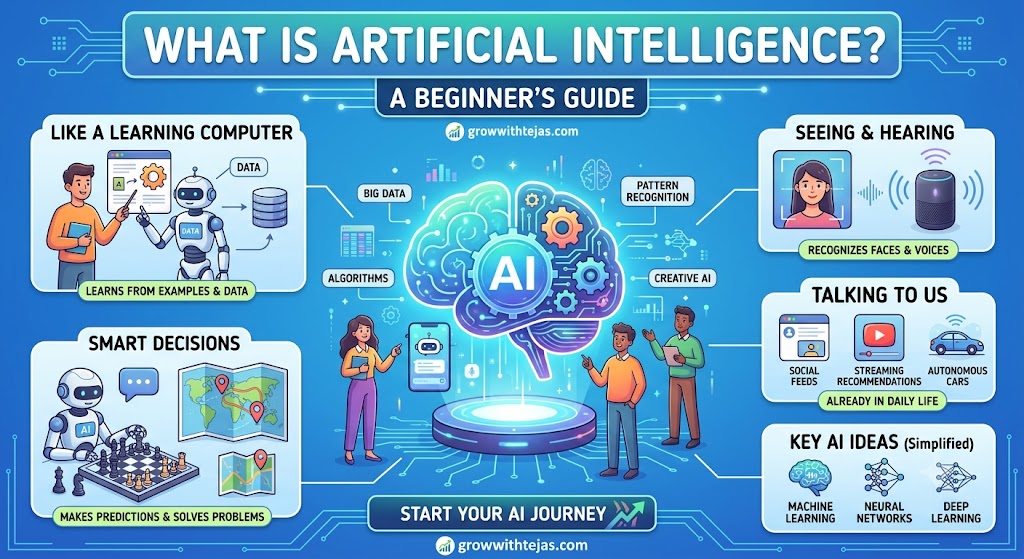
What Is Artificial Intelligence? Artificial Intelligence (AI) is one of the most exciting technologies of the modern era. From voice Read more
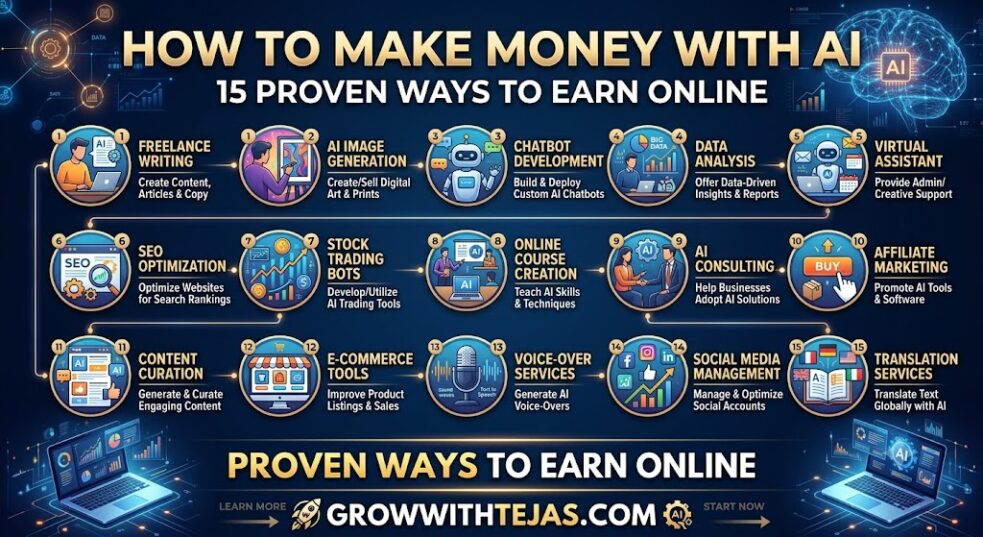
How to Make Money with AI: 15 Proven Methods (Beginner to Advanced Guide) Artificial Intelligence (AI) has transformed from a Read more
What Is Artificial Intelligence? Artificial Intelligence (AI) is one of the most exciting technologies of the modern era. From voice Read more
How to Make Money with AI: 15 Proven Methods (Beginner to Advanced Guide) Artificial Intelligence (AI) has transformed from a Read more