
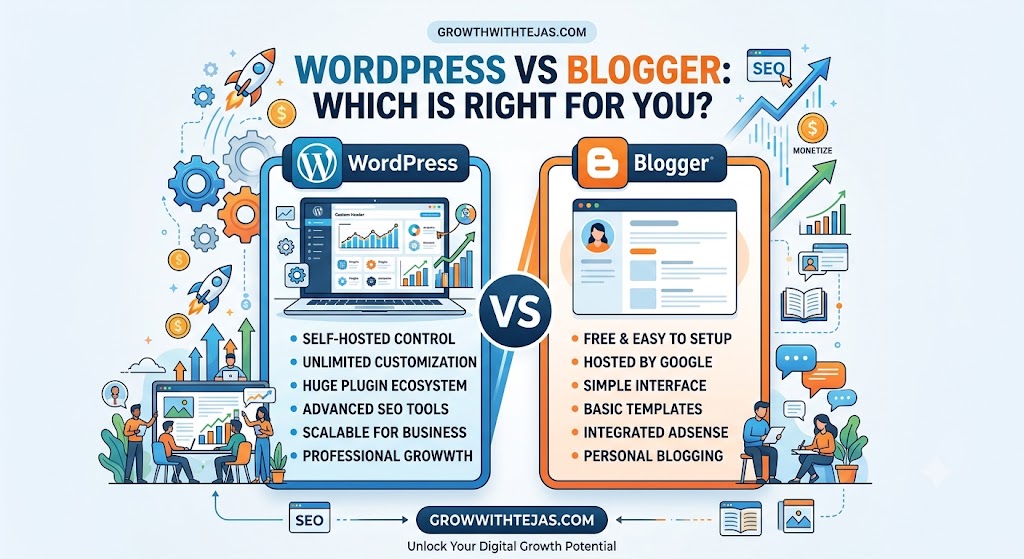
When starting a new website or blog, picking the right platform is the single most important decision you will make. Two names that consistently dominate the conversation are WordPress vs Blogger.
While both allow you to create a blog and share content with the world, they are fundamentally different tools designed for different goals. At Grow with Tejas, we break down complex digital growth strategies so you can make informed decisions.
Here is a comprehensive, side-by-side comparison to help you decide whether WordPress or Blogger is the right fit for your website.
Quick Overview
| Feature | WordPress (.org) | Blogger |
| Best For | Business, professional blogs, scalability | Beginners, personal journaling, hobby blogs |
| Cost | Free software; requires paid hosting & domain | 100% Free (Domain optional) |
| Ownership | You own 100% of your content and site | Google owns the platform and can suspend accounts |
| Customization | Unlimited (Plugins & Themes) | Limited (Basic templates & gadget widgets) |
| SEO Capabilities | Advanced (Rank Math, Yoast, Schema) | Basic (Built-in simple SEO settings) |
| Monetization | Full control (Ads, e-commerce, courses, etc.) | Integrated Google AdSense & affiliate links |
| Maintenance | Manual updates, backups, and security management | Handled entirely by Google |
What is Blogger?
Blogger is a free blogging platform owned by Google. Launched in 1999 and acquired by Google in 2003, it is designed for simplicity. Anyone with a Google account can set up a blog in under five minutes without touching a single line of code or paying a penny.
Pros of Blogger
- 100% Free: Includes free hosting and a free
yourname.blogspot.comsubdomain. - Zero Maintenance: Google handles servers, SSL certificates, speed optimization, and security against cyber threats.
- Easy Google Integration: Connects seamlessly with Google AdSense, Google Analytics, and Search Console.
- Beginner-Friendly: Extremely simple dashboard with almost no learning curve.
Cons of Blogger
- Limited Control & Ownership: Google can take down your blog or terminate your account without prior notice if they flag a violation of their Terms of Service.
- Restricted Customization: Design options are limited to basic templates, and there are no plugins to extend functionality.
- Hard to Scale: Adding advanced features like e-commerce, membership areas, or complex forms is nearly impossible.
What is WordPress?
Note: There are two versions of WordPress—WordPress.com (a hosted platform) and WordPress.org (the self-hosted software). In this article, we refer to self-hosted WordPress.org, which powers over 40% of the web.
WordPress is an open-source Content Management System (CMS). While the software itself is free, you need your own web hosting and domain name to run it. It provides complete freedom over how your website looks, functions, and grows.
Pros of WordPress
- Full Ownership: You own your content, design, and data completely. No third party can delete your site.
- Infinite Customization: Access thousands of free and premium themes and over 59,000+ plugins (e.g., Elementor, WooCommerce, Yoast SEO).
- Powerful SEO: Take advantage of advanced SEO tools, custom URL structures, schema markup, and speed plugins to rank higher on Google.
- Scalability: Whether you want a simple blog, an e-commerce store, a digital product portal, or a corporate portfolio, WordPress can scale with your ambitions.
Cons of WordPress
- Learning Curve: Setting up hosting, managing plugins, and designing pages requires a small time investment to master.
- Costs Involved: Requires paying for hosting (typically $3–$10/month) and a custom domain.
- Maintenance Overhead: You are responsible for software updates, site backups, and security.
Core Differences Explored
1. Monetization & Business Potential
- Blogger: You can run Google AdSense or place affiliate links. However, building an online shop, selling digital courses, or setting up subscription paywalls is difficult and inefficient.
- WordPress: Gives you unlimited monetization paths. You can sell physical products via WooCommerce, build paid membership communities, run programmatic ad networks (like Mediavine or AdThrive), or sell digital downloads effortlessly.
2. SEO & Traffic Growth
- Blogger: Provides fundamental SEO settings (meta tags, custom robots.txt, canonical tags). However, you lack advanced tools for content optimization, deep schema integration, or custom XML sitemap controls.
- WordPress: Built for search visibility. Dedicated SEO plugins guide your keyword placement, internal linking, and technical performance, giving you a distinct edge in competitive niches.
3. Security and Reliability
- Blogger: Inherits Google’s robust infrastructure. You never have to worry about server crashes or DDoS attacks.
- WordPress: Highly secure, but security relies on you choosing reliable web hosting, keeping plugins updated, and utilizing security plugins like Wordfence or Sucuri.
Final Verdict: Which Should You Choose?
Choose Blogger if:
- You are starting a personal blog, diary, or hobby site.
- You have zero budget and want to start completely free.
- You do not want to manage hosting, security, or updates.
- You only need basic blogging features without complex design or e-commerce needs.
Choose WordPress if:
- You are serious about building a brand, growing an online business, or making blogging a full-time career.
- You want total control, full ownership, and unlimited design options.
- You want to maximize your site’s Search Engine Optimization (SEO) and earning potential.
- You plan to sell products, services, or digital downloads down the road.
Take Action with Grow with Tejas
Building a brand online requires the right foundation. If your goal is long-term growth, custom branding, and full control over your digital income, WordPress is the investment that pays off.
Need help building your website or optimizing your content strategy for search engines? Explore more tutorials and resources on Grow with Tejas today to accelerate your online journey!
Here is the FAQ section formatted to integrate directly at the bottom of your article:
Frequently Asked Questions (FAQ)
1. Is Blogger better than WordPress for beginners?
Blogger is easier for complete beginners who just want to write without worrying about technical setup, domain configurations, or maintenance. However, WordPress has a very manageable learning curve, and starting on WordPress from day one saves you the hassle of migrating your site later when your blog grows.
2. Can I move my blog from Blogger to WordPress later?
Yes, you can migrate your posts, pages, and comments from Blogger to WordPress at any time using built-in import tools and WordPress plugins. However, switching platforms requires updating your domain settings, setting up 301 redirects to preserve your SEO rankings, and redesigning your site layout.
3. Can I make money on Blogger?
Yes, you can monetize a Blogger site using Google AdSense, affiliate marketing links, or sponsored posts. However, WordPress offers significantly higher earning potential because it allows you to build custom sales funnels, launch e-commerce stores (via WooCommerce), sell online courses, and join premium ad networks like Mediavine.
4. Is WordPress completely free to use?
The WordPress.org core software is 100% free and open-source. However, to publish a live website, you will need to pay for web hosting (typically $3–$10/month) and a custom domain name (around $10–$15/year).
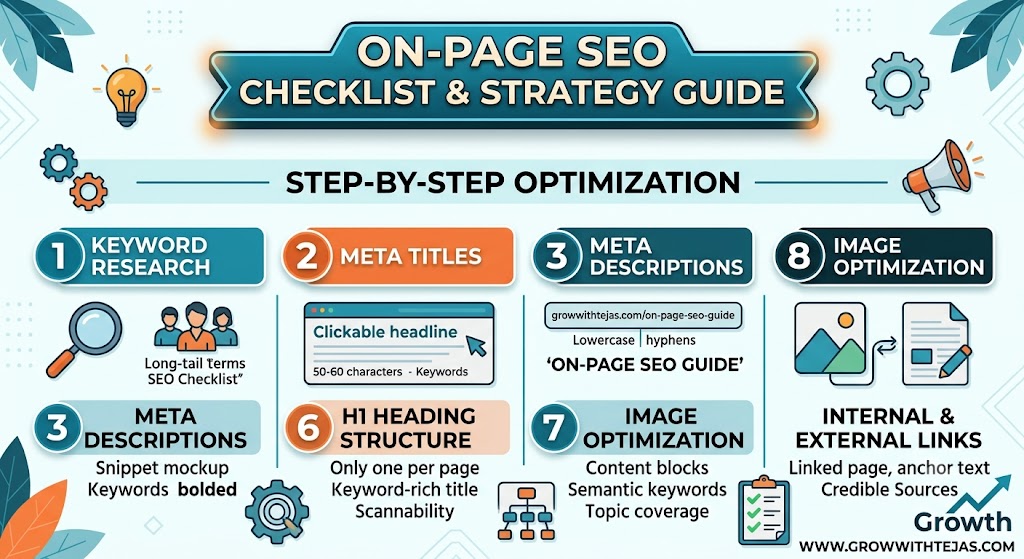
Master On-Page SEO for your website. Learn how to optimize titles, headings, URL structure, images, and content depth to rank Read more
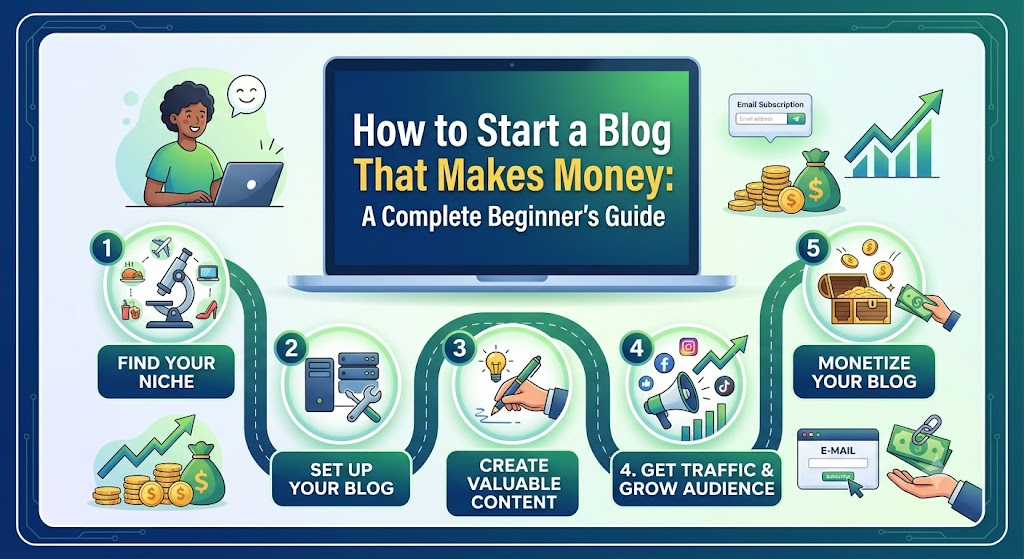
Learn how to start a profitable blog from scratch. Discover how to choose a niche, create content, drive traffic, and Read more
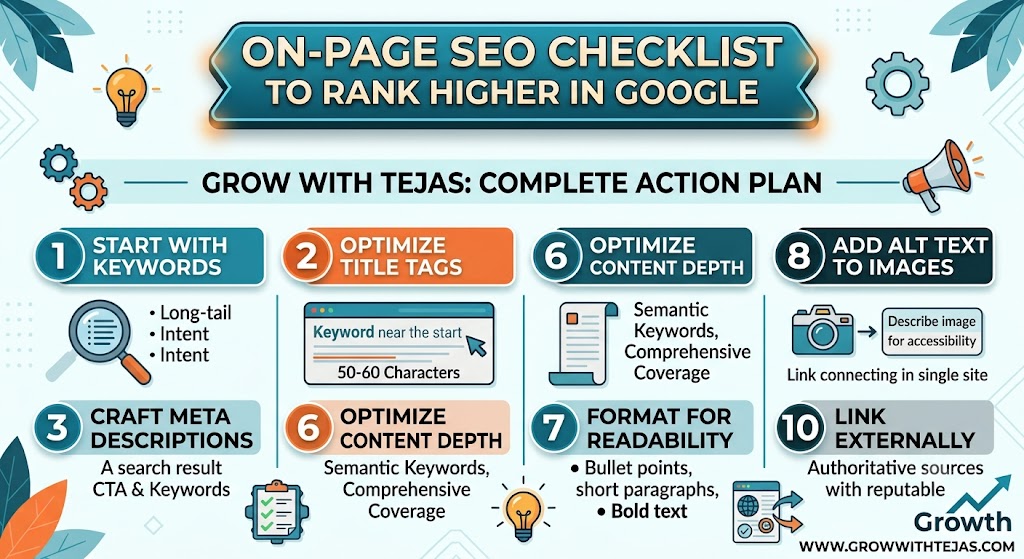
Learn the ultimate on-page SEO checklist to improve your Google rankings. Discover proven optimization techniques for titles, keywords, content, images, Read more
Master On-Page SEO for your website. Learn how to optimize titles, headings, URL structure, images, and content depth to rank Read more
Learn how to start a profitable blog from scratch. Discover how to choose a niche, create content, drive traffic, and Read more
Learn the ultimate on-page SEO checklist to improve your Google rankings. Discover proven optimization techniques for titles, keywords, content, images, Read more